Life’s easier with a Smartphone
This is of huge importance to me — and maybe it will be of huge benefit to you too.
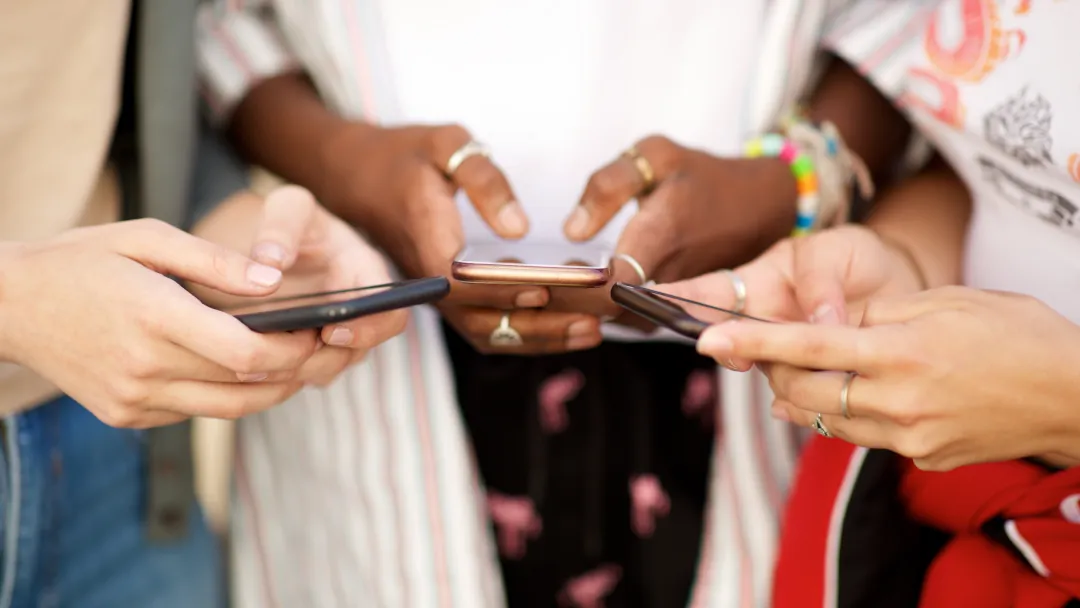
Your smartphone can help you stay independent and organised.
I’ve been refining this approach for several years, so allow yourself time to build up what works best for you personally.
1. Reading and Managing Documents
- Read any letter, document, or newspaper using your camera and Select to Speak or Envision.
- Create a filing system for things you want to keep.
2. Solve Your Communications Needs
Especially useful for those with sight loss:
- Select to Speak for listening to text.
- Phone calls – set up favourites with photos or icons.
- Texts and emails – use Google Gmail, which includes email, documents, spreadsheets, and slides, all automatically backed up in the cloud.
- News – follow reliable sources such as The Telegraph or Reuters.
- Diary and calendar – build your social calendar easily.
- Text in photos – capture and read letters, seed packets, or instructions.
- Photo management – add captions and create albums.
- Music and media – edit and organise your Pi Music Library.
- Voice input – dictate replies or new entries wherever you see a microphone symbol.
- Notes – keep voice or text notes of ideas and discussions.
3. Emergency Access
Give oral instructions even when your phone is locked, including emergency calls.
4. Keep Yourself Healthy and Fit
- Google Fit – track WHO Heart Points and daily steps.
- Scrabble and word games – use the Kindle dictionary to look up words.
- Plan walks – with Google Maps and Google Earth.
- Plan your garden or allotment – use documents and your calendar to schedule sowing and harvest dates.
5. Create a Social Calendar
- Use the Diary and Calendar apps, colour-coded and decorated with pictograms for lunch, drinks, reading, walking, dancing, ballet, concerts, etc.
- Set repeating entries easily.
- Enter birthdays automatically from your Contacts.
- Check weather forecasts and keep personal contact details close at hand.
6. Enjoy Entertainment and Leisure
- Amazon Audible – I have 180 books and access to over 200,000 more.
- Music – listen via Pi, VLC, or Amazon Music. My lifetime library now holds 5,000 tracks.
- Create playlists for blues, jazz, pop, opera, ballet, or Chopin for evening concerts — and log them in your social calendar.
- Radio and podcasts – stay entertained and informed.
- Weather updates – read or listen as they refresh automatically.
- Camera – use your phone’s three AI-enhanced cameras for photos and albums.
7. Run Your Own Life
- Online banking with cardless payments via Google Pay, PayPal, and SagePay.
- Torch, mirror, and magnifying glass tools.
- Store Railcard and NHS details, plus exercise reports.
- Shop online with Amazon, Google Shopping, or your weekly grocery suppliers — Tesco, Sainsbury’s, Morrisons, or Ocado.
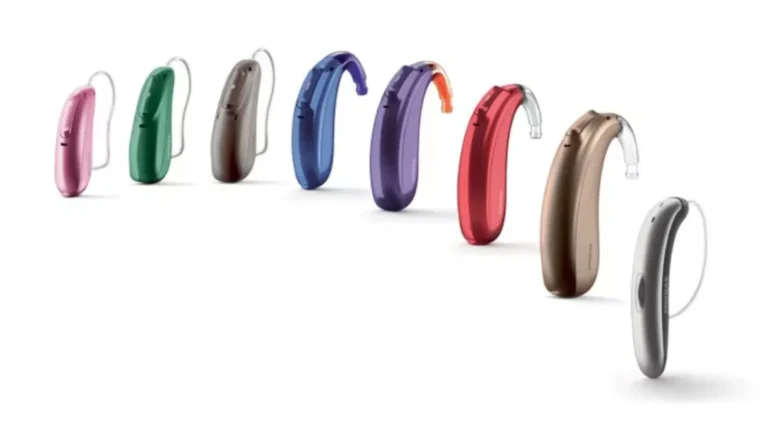
- Control your hearing aids’ volume and switch between Bluetooth channels.
- Test broadband speeds quickly and easily.
8. Putting It All Together
As a result of using these tools, I can now:
- Prepare technical papers
- Create political and historical reviews
- Write short books
- Maintain detailed notes about plans for our allotment
- Schedule all the seed sowing
- And link everything by Bluetooth to my hearing aids
My Setup
I use a large-screen TV (28″) connected to my laptop for images, DVDs, photo albums, and screen-casting from my Google Pixel phone.
Typical costs:
- Broadband – £25 per month
- Phone contract – around £7.50 per month
- Smartphone – £200–£850
- Newspaper subscription – £25 per month
- Tablet – optional extra
Cliff Jenkins
📞 07582 902922